Webby Booky logo headWebby Booky logo text
EnglishEnglishThaiภาษาไทยJapanese日本語
Loading...
EnglishEnglishThaiภาษาไทยJapanese日本語
Home/Booking guides

Booking guides

Practical walkthroughs for setting up services, reserving rooms and collecting booking payments. Start with the task you want to complete and follow the steps at your own pace.
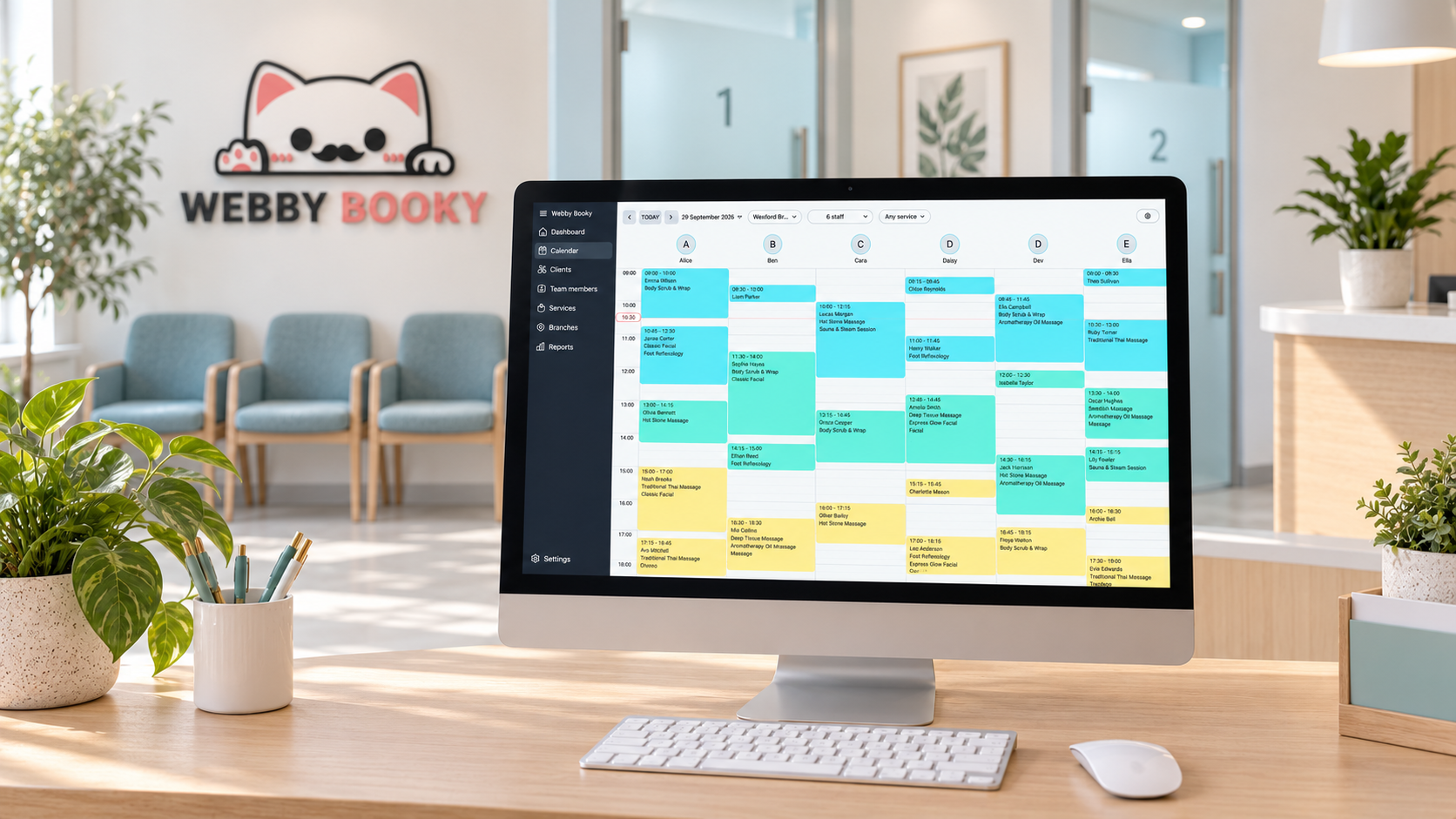
Empty clinic waiting room with a WebbyBooky wall logo and booking calendar on the reception computer

How to Choose a Booking System for Your Small Business

Compare small business booking software by cost, customer experience and room or staff scheduling. See how WebbyBooky supports small and growing businesses.

Read the guide →
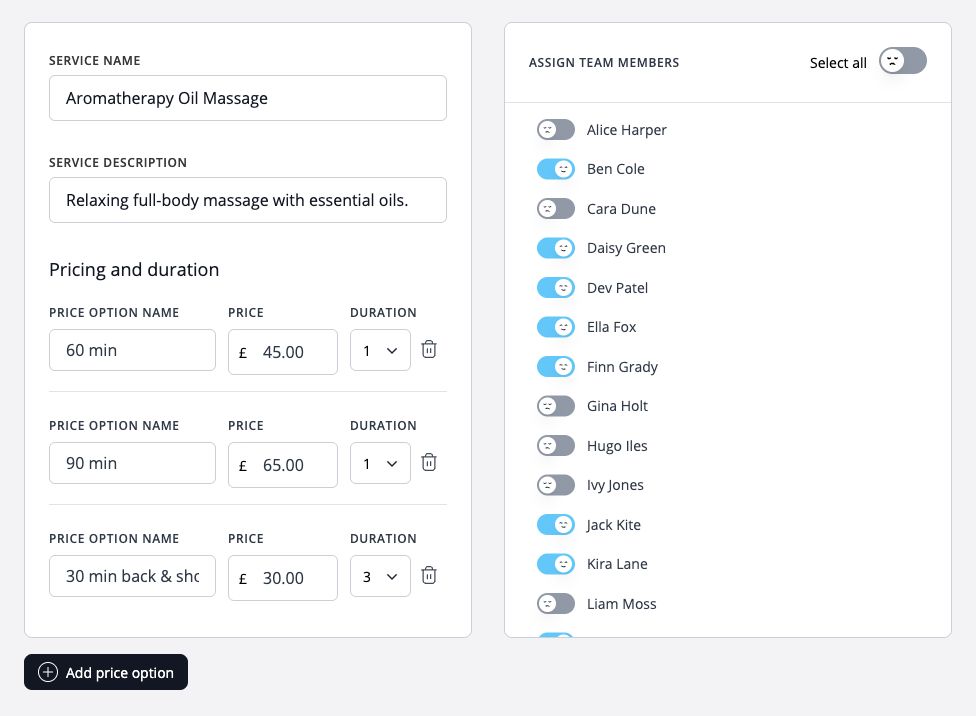
WebbyBooky service settings with pricing options, durations and assigned team members

How to set up online booking for team members and services

Set up your branch, add team members and services, assign who provides each service, and share your client booking page.

Read the guide →
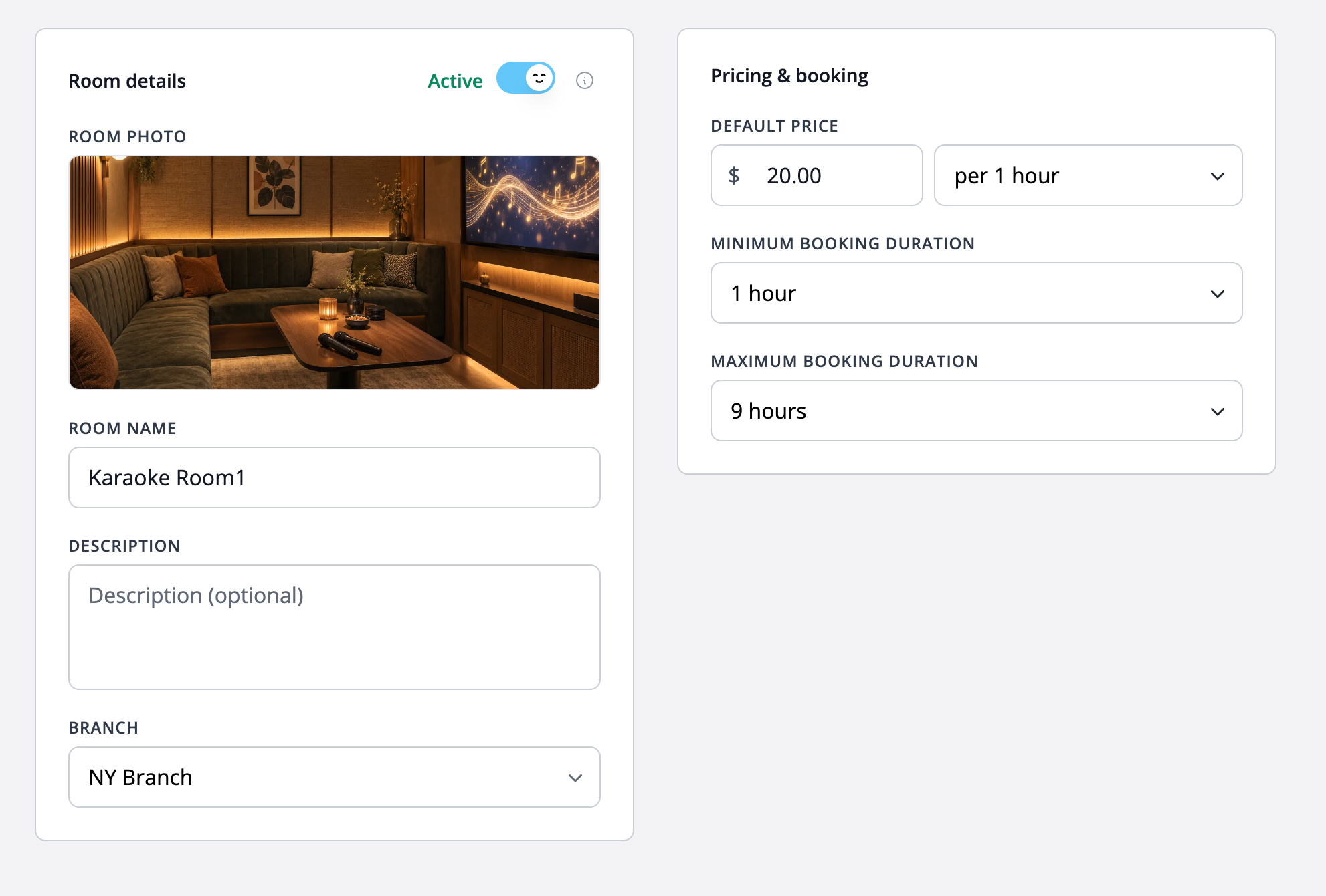
Karaoke room settings showing the room photo, branch, $20 hourly rate and booking durations from one to nine hours.

How to set up hourly room or space booking

Describe your rooms, set hourly rates and booking limits, and explain preparation and access before accepting reservations.

Read the guide →
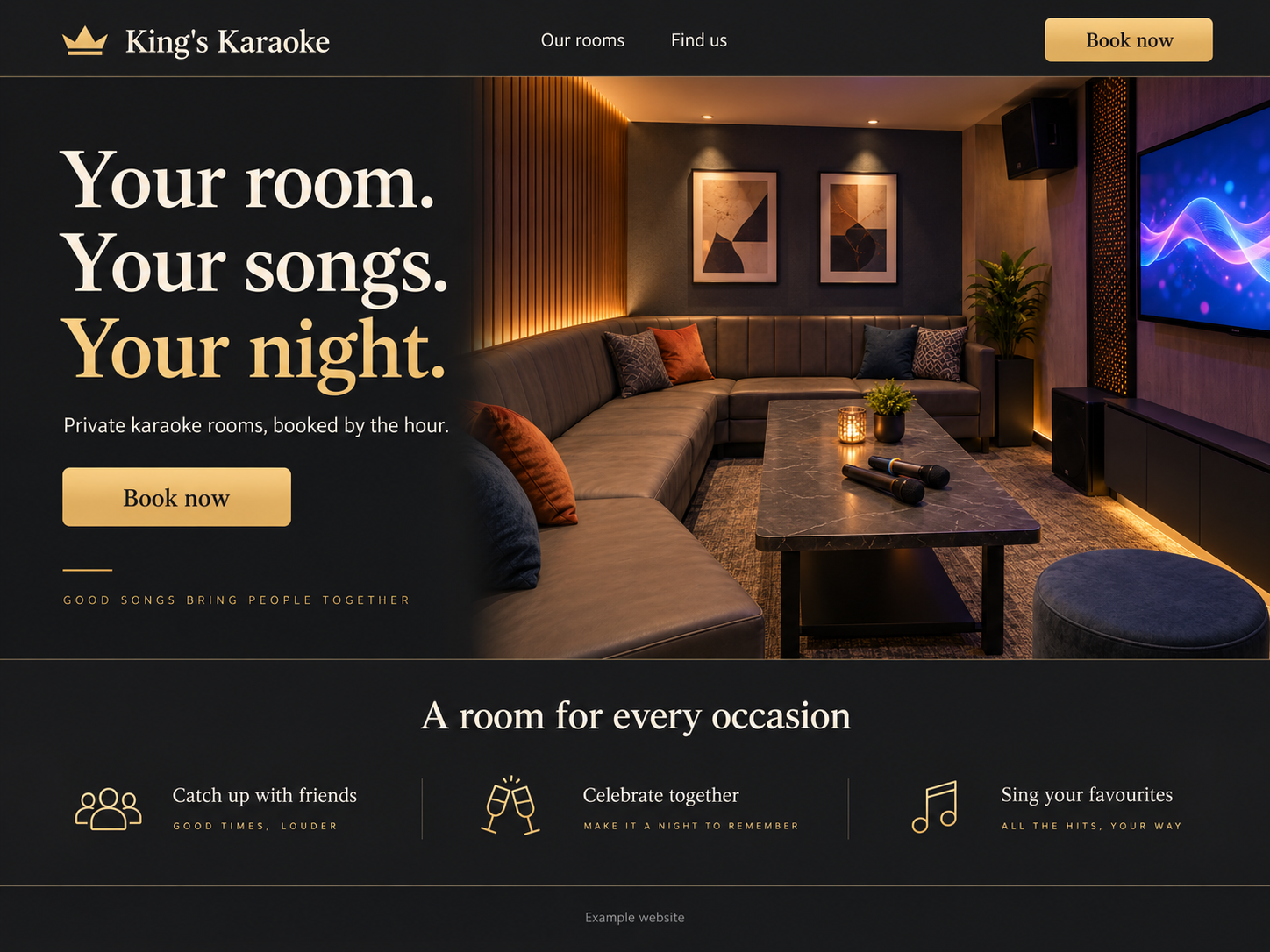
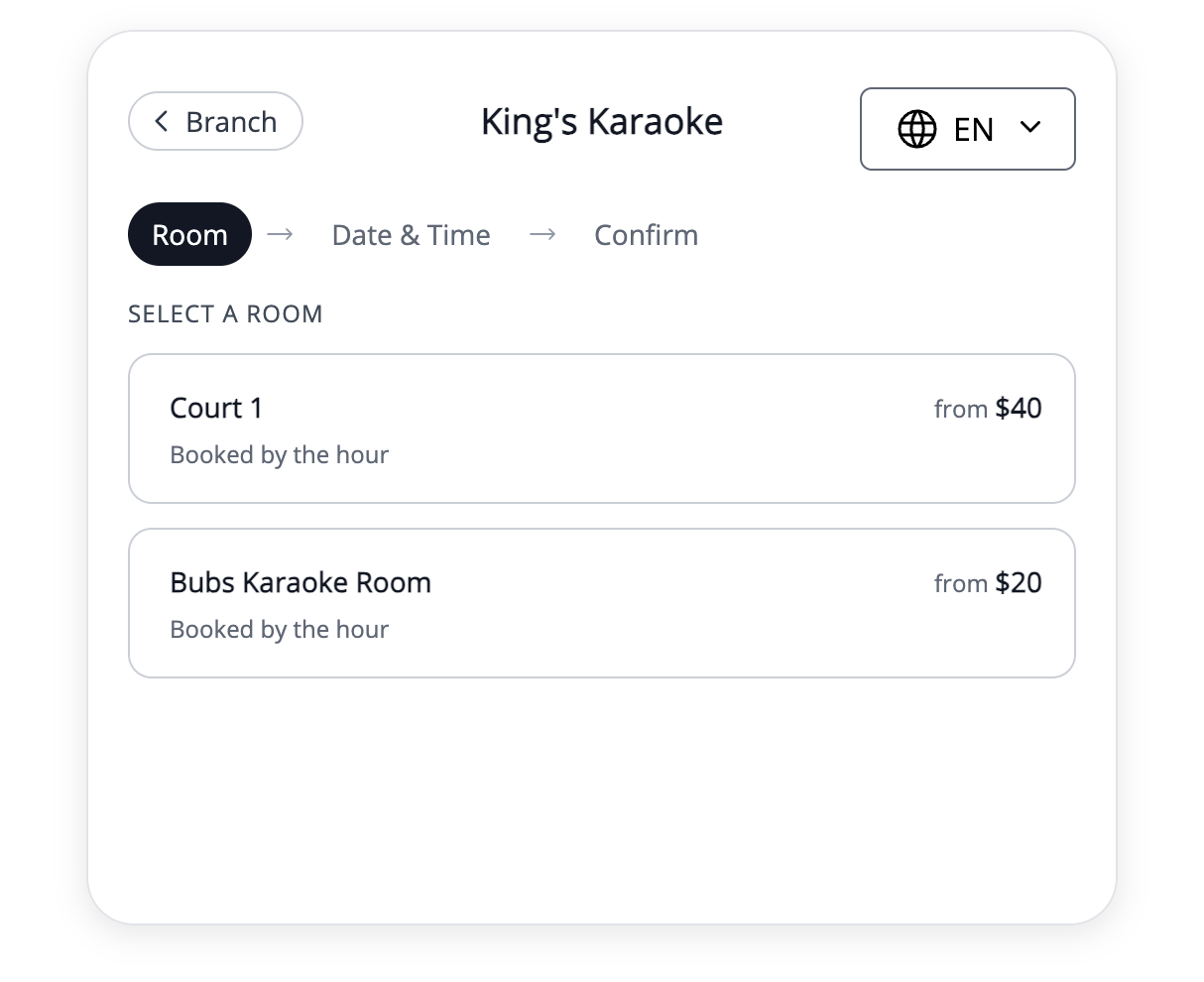
Fictional King’s Karaoke website with a prominent Book now button
King’s Karaoke room selection page in the WebbyBooky booking portal

How to add a booking link to your existing website

Connect your website to your WebbyBooky booking portal with clear links, useful descriptions and a straightforward client journey.

Read the guide →
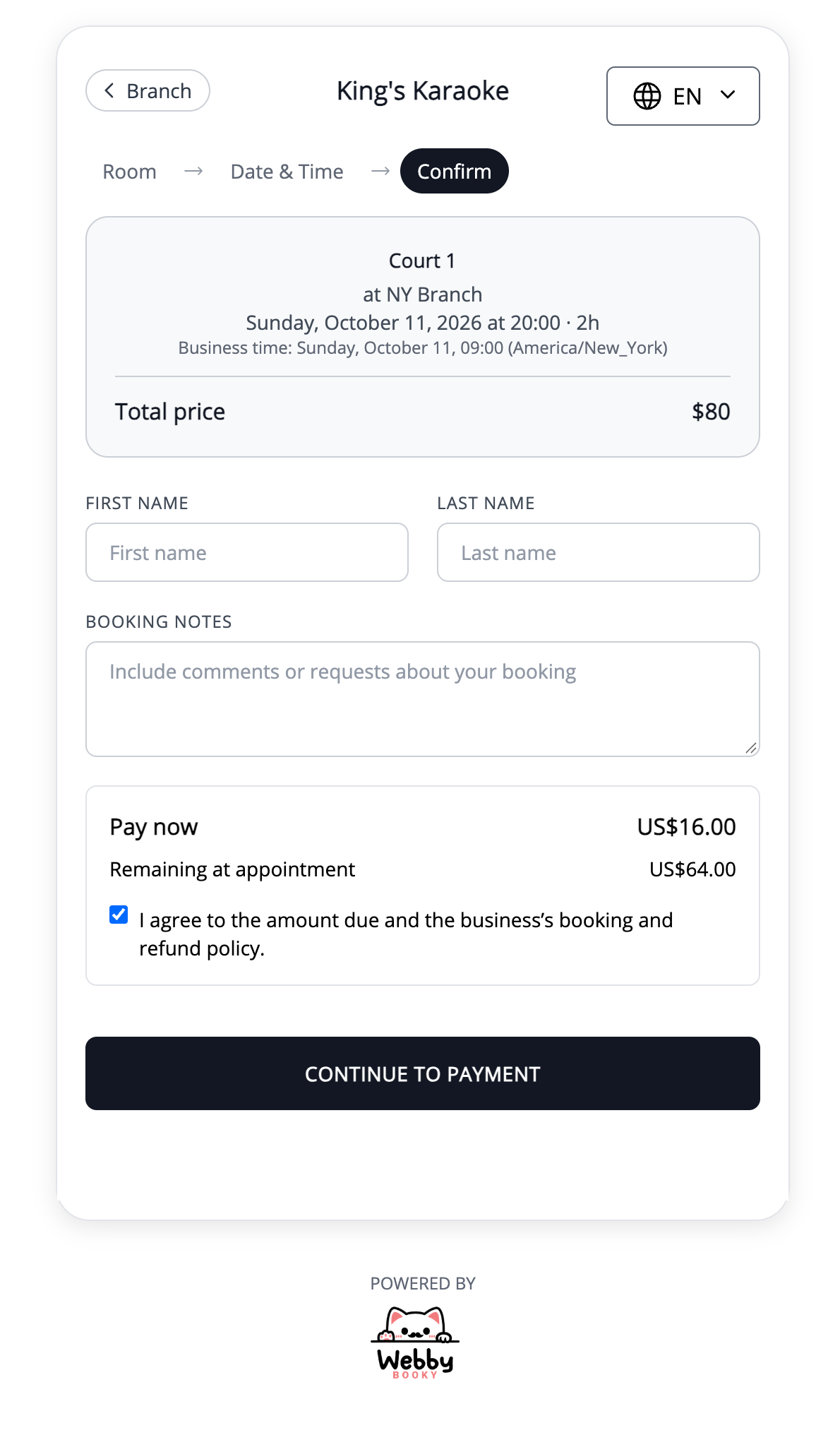
A booking showing a $16 deposit to pay online and $64 remaining to pay at the appointment.

Choosing deposits or full payment for online bookings

Compare deposit and full-payment booking workflows, explain what customers pay, and prepare clear collection instructions.

Read the guide →
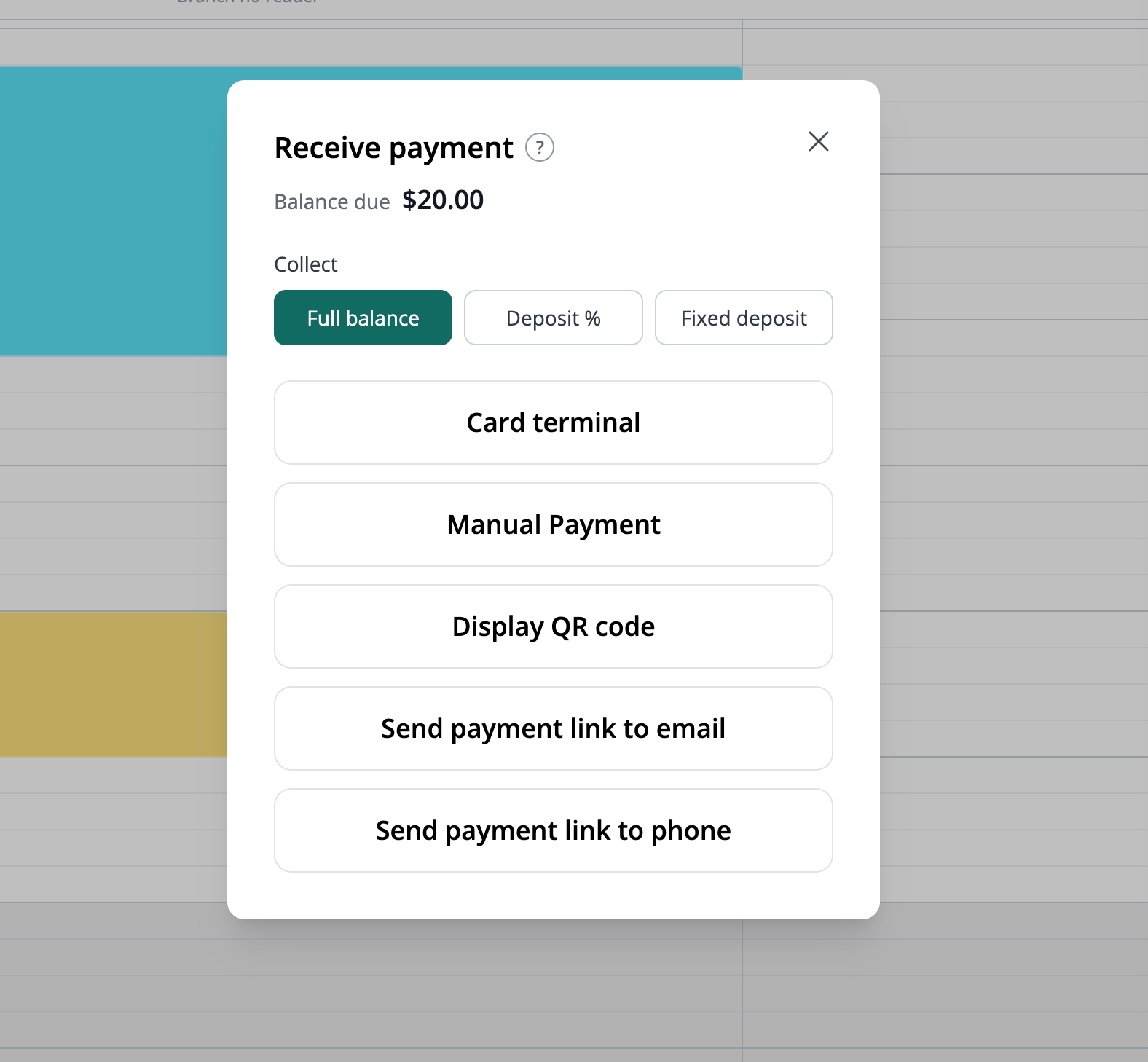
Receive payment in the booking calendar: choose the full balance, a percentage deposit or a fixed deposit, then select a payment method.

How to collect booking payments by card reader, QR code or payment link

Choose a practical booking payment route at reception or before arrival, using supported Terminal readers and QR, SMS or email links.

Read the guide →

Contact Info

+44 7968 593972

Sales Inquiries: sales@webbybooky.com

Support: support@webbybooky.com

LineFacebook

FEATURES

Booking CalendarRoom ManagementOnline Client Booking PortalOnline Booking PaymentsTeam ManagementClient Management
Service ManagementAdmin ManagementMultiple Branches

Compare

Compare booking platforms

Team & appointment booking

WebbyBooky vs CalendlyWebbyBooky vs BookeoWebbyBooky vs SimplyBook.meWebbyBooky vs FreshaWebbyBooky vs Acuity SchedulingWebbyBooky vs SetmoreWebbyBooky vs YouCanBookMeWebbyBooky vs Microsoft Bookings

Rooms & spaces

WebbyBooky vs SkeddaWebbyBooky vs AllBookedWebbyBooky vs Resova

More

About UsBooking guidesFAQ

© 2026 WebbyBooky. All rights reserved.

Terms & Conditions
Privacy Policy